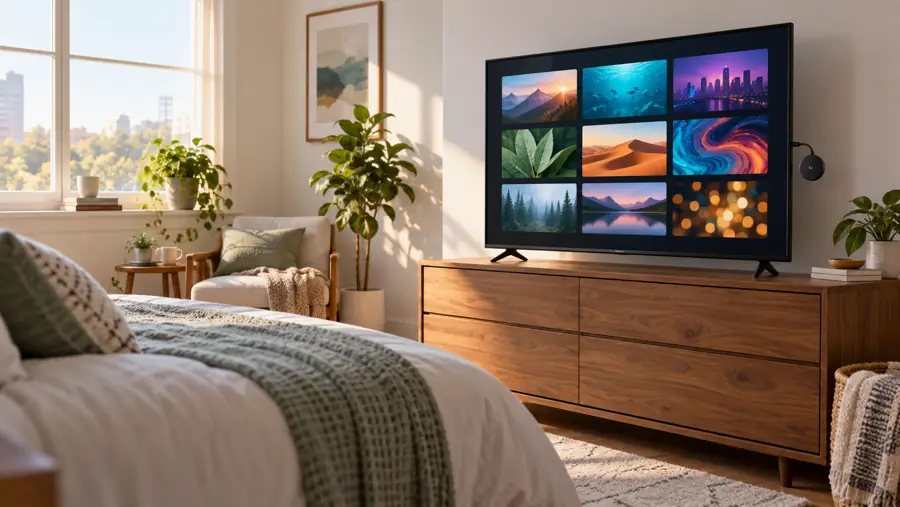
Shopping for a streaming device is really shopping for a viewing routine. The most useful question is not how many titles an advertisement suggests, but whether you can get to the programs you care about on your own television. EZStream is promoted as a compact HDMI accessory with a central place for apps, live TV, films, and sports. Its modest headline price makes it easy to consider for an extra screen. This EZStream review examines the offer as a buyer would: connection, content, costs, and returns.
At a glance: The concept suits someone who wants a small television add-on. The seller’s image shows a $28.99 single-unit headline and a 60-day guarantee message. It does not establish a full channel list, supported app catalog, hardware model, or exact return procedure. We researched the offer material; we did not purchase or test a unit. Confirm the service you need and the final checkout amount before ordering.
Start with your screen, not the advertisement
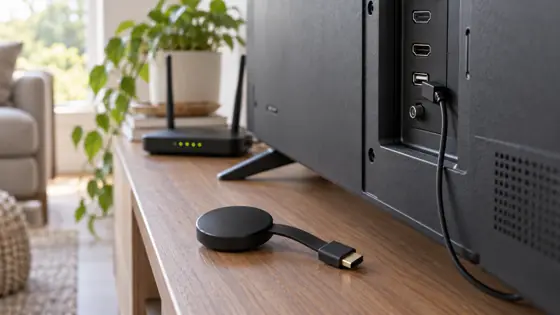
An HDMI accessory can be useful when a working television has an awkward or outdated built-in menu. EZStream is pictured in that category: a small round device alongside a TV screen that groups entertainment tiles. The seller describes it as a way to reach different kinds of programs from one place. That is the strongest practical reason to look at it. You may get a simpler route to content without replacing an entire television.
There are still basic fit questions. Is there an open HDMI input? Where does power come from? Does the device need a phone, or does it operate on its own? Will your Wi-Fi reach the room? The promotional image leaves these details open. A buyer with a wall-mounted TV should also ask whether any cable or extension is supplied, because a receiver that looks compact in a picture still needs physical clearance and power.
What does “stream everything” mean here?
The offer highlights hundreds of apps, live programs, films, and sports. That language describes the seller’s intended experience, not an independently verified inventory. A device can help organize or display streaming sources, but it does not automatically grant a license to watch a paid service. The important follow-up is concrete: which services are available on this exact unit, which channels are included without separate payment, and which require an existing account?
Make your own shortlist before contacting the seller. If you want a certain local station, name it. If you follow a sports league, ask about the exact games or network and your region. If your household already pays for a movie service, ask whether its app is supported and whether login is required. The answers may still make EZStream a useful hub; they will also prevent an understandable but costly assumption that all paid content is bundled with the hardware.
The sales screenshot says there are “no user fees.” Read that as the seller’s claim about EZStream itself unless the merchant confirms more. It does not document the subscription rules of outside platforms. In the same way, a TV with an HDMI port is only the first compatibility step. Software, regional availability, and network quality can shape the result after it is plugged in.

Practical evaluation table
| Decision point | Why it matters | Ask before buying |
|---|---|---|
| Independent apps | Determines whether the device works without a phone | Does it run apps locally or mirror another screen? |
| Specific content | Broad categories do not identify your channels | Which named services work in my area, and what costs extra? |
| Hardware details | Affects connection and long-term support | Model, video output, Wi-Fi requirements, updates, box contents? |
| Order terms | The banner is not a full policy | What is the final total and written return process? |
This table is more useful than a generic feature score because the source material does not provide enough technical detail to rate speed, image quality, or reliability. We would not assign stars based on claims alone. We also would not describe a pictured interface as evidence that any particular film or sports event is included. Treat the table as a short script for getting accurate answers from support.

We may earn a commission if you purchase through this link. Review the seller’s current terms first.
Where EZStream may fit in a home
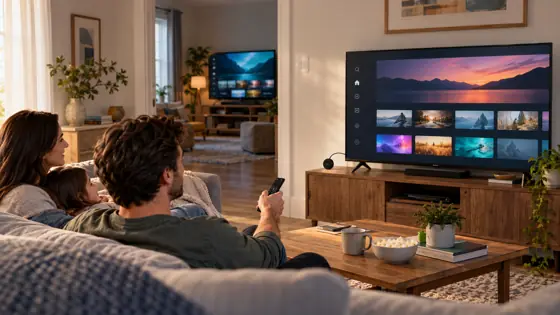
A guest room or bedroom often needs less elaborate equipment than a main home theater. If the apps you use are confirmed, EZStream’s small-device approach could make a secondary screen easier to use. Someone helping a relative with an older television may also prefer a simple external interface over replacing a familiar TV. In either case, the payoff is convenience, not a guaranteed end to all entertainment spending.
For a main living-room screen, the standard should be higher. Write down what you currently watch every week. Compare that list with the merchant’s specific answer, not with a promotional phrase. If you need several paid services, budget for those accounts separately. If you need a particular resolution, audio format, or accessibility feature, request the technical specifications. None of those should be guessed from a lifestyle image.
How to read the price and guarantee
The $28.99 figure appears in the offer image. It is useful as an entry point, but it is not the same thing as a verified total. Check the quantity already selected at checkout, then review shipping and any other charges before submitting payment. Multi-unit offers can reduce a displayed per-device amount while raising the total you spend; a single-TV household may gain nothing from a bundle.
The offer image also displays a 60-day money-back message. A banner alone does not answer whether the return starts on purchase or delivery, what condition the item must be in, whether shipping is refunded, or how to initiate a claim. Ask for the written policy that applies to the exact EZStream order and keep a copy. If the wording differs between the promotion, checkout, and terms, clarify it with customer support before buying.
Our EZStream conclusion
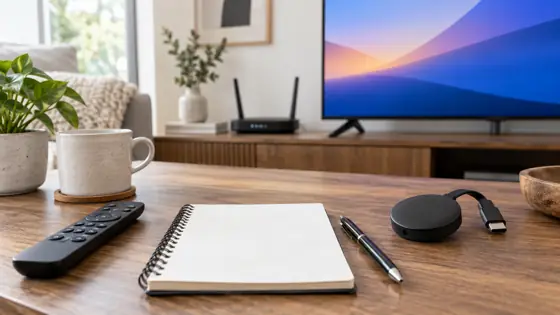
EZStream has an understandable appeal: a small accessory, a familiar HDMI connection, and the prospect of a tidier way to browse entertainment. For the right TV and the right verified services, it could be a convenient addition. The current offer material leaves decisive questions unanswered, however. We cannot confirm the app catalog, subscription status of specific content, or device specifications from the screenshot, and we did not test the hardware. Those limits are part of an honest buying decision, not reasons to dismiss the category.
Our recommendation is to take the seller’s advertised benefits as a starting conversation. Confirm your top three services, connection and power needs, final price, and return conditions in writing. If the answers match your setup, the offer may be worth considering. If they do not, keep looking for a device with a published compatibility list. A careful five-minute check can matter far more than an impressive count of unnamed apps.
FAQ: Are movies and sports free? The offer suggests broad access, but it does not list the precise rights or services, so we cannot verify that claim for a particular title or game. Is there a monthly device fee? The seller says no user fee for EZStream; separate content subscriptions may still apply. Is the guarantee 60 days? The offer image says so, but confirm the written conditions at checkout. Was this a hands-on review? No; it is a source-based buying guide.
We may earn a commission if you purchase through this link. Confirm the apps, total price, and return terms.